
How to Reduce Logo File Size Without Losing Quality or Transparency
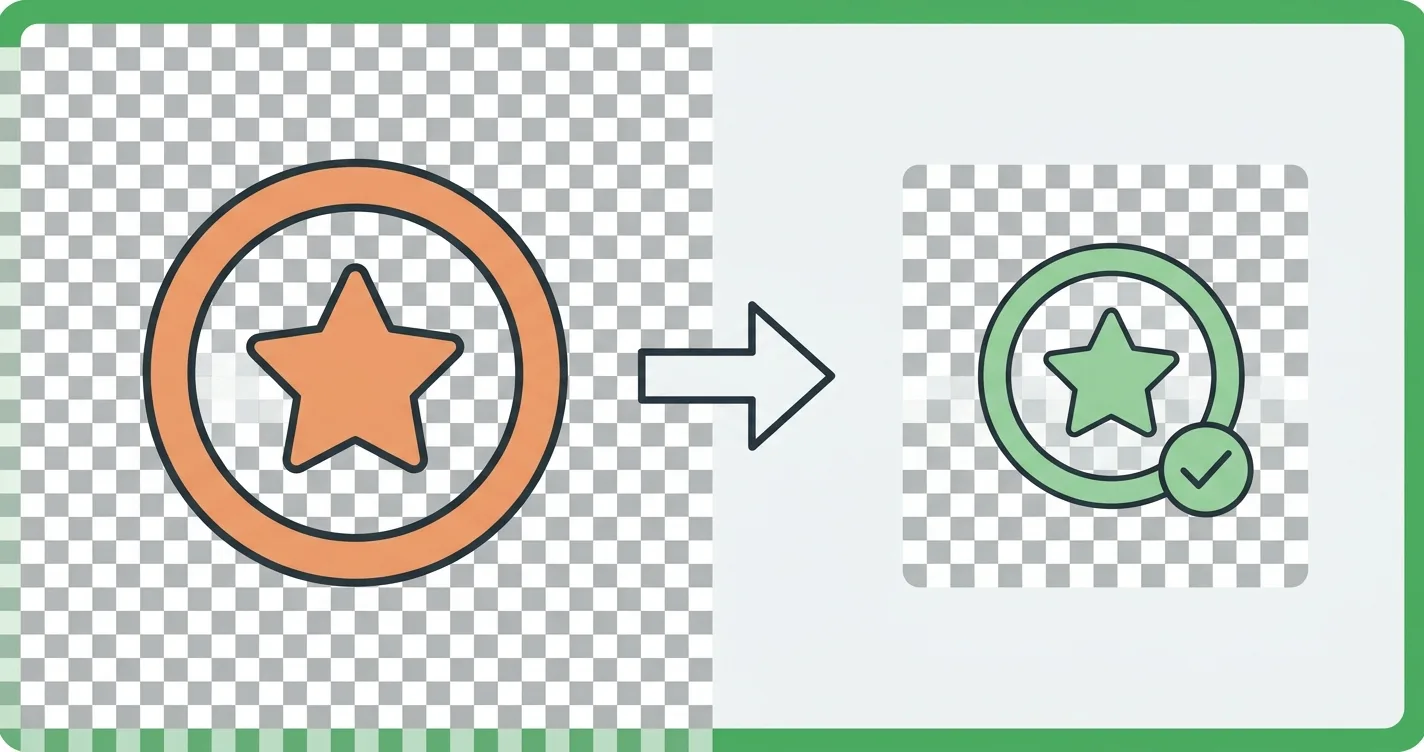
A logo is one of the smallest things on your page, yet the file is often one of the heaviest. Designers export logos at large sizes, and a transparent PNG can easily weigh hundreds of kilobytes or more. That slows down your site, makes emails clunky and can break upload limits. Here is how to reduce logo file size while keeping the edges crisp and the background transparent.
Why logo files get so big
- Oversized dimensions. A logo exported at 3,000 pixels wide may be shown at 200 pixels, so most of the data is never used.
- PNG is lossless. It keeps every pixel exactly, plus the transparency information, which costs space.
- Empty margins. Transparent padding around a logo still counts as pixels.
The quick way: compress it with our tool
- Open the image compressor and choose your PNG logo.
- Set the quality slider to about 80–90%. Logos have sharp edges and text, which soften quickly at lower settings.
- Click Compress and compare the original with the result. Zoom in on the edges.
- Download the smaller file.
Everything runs in your browser, so your logo is never uploaded. A PNG logo stays a PNG, and its transparent background is preserved. Before you use the file, place it on a coloured background to confirm the transparency survived. On the exact-size pages (50KB, 100KB and 200KB), a PNG that cannot reach the target at full size is scaled down slightly, so check the dimensions too.
If the logo is still too big
If compression alone is not enough, try these steps. They work well together, and you can follow them in any image editor:
- Resize to the size you actually need. This is nearly always the biggest saving. Export at about twice the display width at most.
- Crop the empty space around the logo.
- Reduce the number of colours. Many editors can export a PNG with a limited palette (often called PNG-8), which keeps transparency and suits flat logos well. It can make gradients look rough.
- Run it through a PNG optimizer, which shrinks the file without changing how it looks.
Is SVG a better format for logos?
Very often, yes. SVG is a vector format, so it stays perfectly sharp at any size and is usually tiny. If your designer has a vector version of your logo, use it on your website. You cannot create a true SVG just by compressing a PNG, so keep your original vector file safe. Photos and complex artwork still suit raster formats better.
What size should a logo be?
| Where you use it | Rough guidance |
|---|---|
| Website header | Export at about twice its displayed width, for example 300–600 px for a 150–300 px logo |
| Email signature | Keep it small, around 200–300 px wide, and as light as you can |
| Favicon | A small square, such as 32 × 32 px, plus a larger version for touch icons |
| Social profile picture | Follow the size each platform recommends, usually a square |
These are rough starting points. For web images in general, see our guide to the ideal image size for a website.
Mistakes to avoid
- Saving a logo as JPG. It adds a solid background and fuzzy edges around text.
- Using a very low quality setting. Check the edges and letters before you publish.
- Making a small logo bigger. Enlarging a low-resolution file only makes it blurry.
- Overwriting your original. Keep the full-size or vector master, and save compressed copies for everyday use.
Not sure which format to choose? Our JPG vs PNG vs WebP guide compares them.
Frequently Asked Questions
Can I reduce logo file size without losing quality?
At sensible settings, around 80–90%, the difference is usually hard to see, but compression always removes some data. Always zoom in on edges and text, and keep your original.
Will my logo stay transparent after compressing?
Yes. Our main compressor keeps a PNG as a PNG, and its transparency is preserved. Always check the result on a coloured background, and avoid saving a logo as JPG, which adds a solid background.
What is the best format for a logo?
SVG is usually best when you have a vector version. For raster logos, WebP works well on websites and PNG is the safest choice where WebP is not accepted.
How big should a website logo file be?
A simple logo is often well under 50 KB, and many can be smaller. The right size depends on its dimensions and detail, so test your page after changing it.